- DATE:
- AUTHOR:
- Dutchie Product Team
Dutchie E-Commerce: Direct loyalty signup; dynamic offer fulfillment indicators
Here’s what’s new in Dutchie E-Commerce
Enhancements
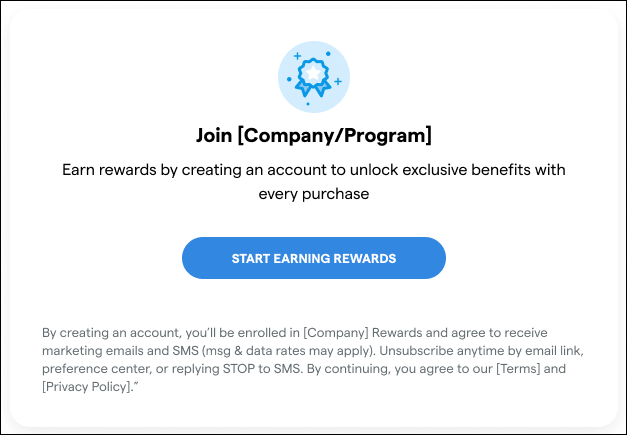
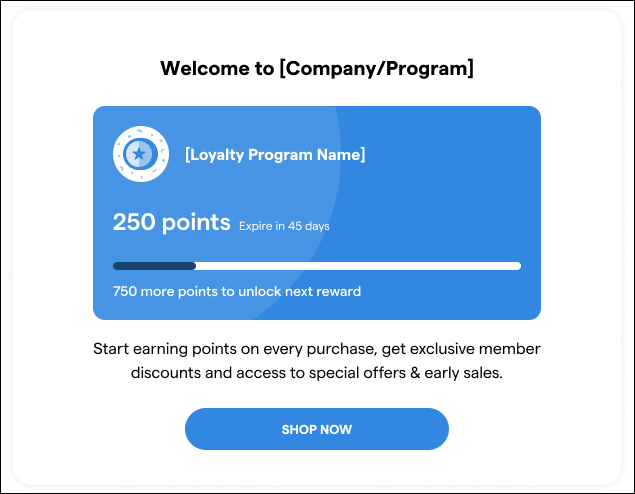
Direct signup form for your Dutchie Loyalty program
You can now configure a direct signup form for your Dutchie Loyalty program so consumers can sign up via custom links or QR codes without having to navigate to your menu first. Learn more in the Help Center.
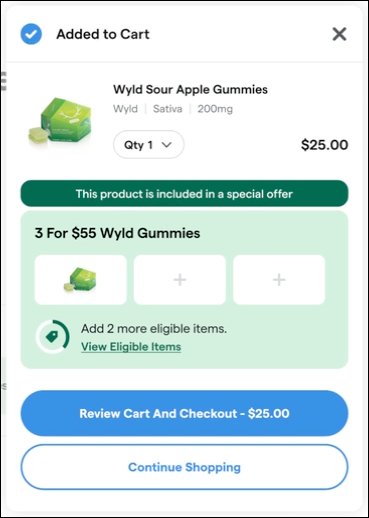
Dynamic offer eligibility and fulfillment indicators
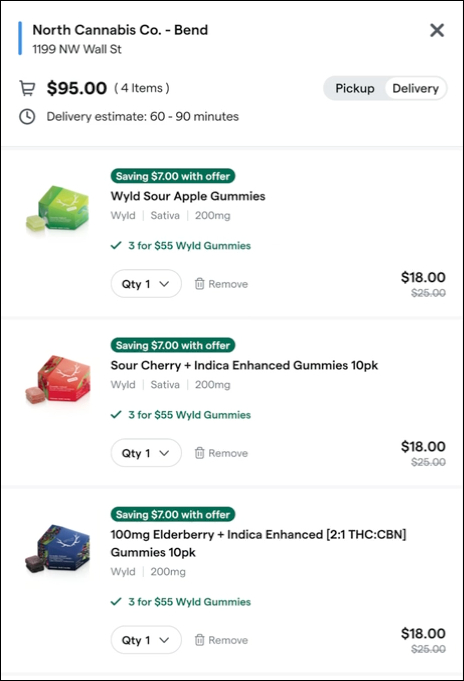
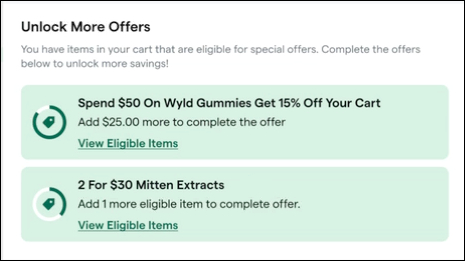
Dynamic offer eligibility and fulfillment indicators enhance offer visibility to your consumers by informing them when they’ve added an item to their cart that qualifies for a special offer. Learn more in the help center.
Consumers can click View Eligible Items to go to the specific offer page and choose more items to fulfill the offer.
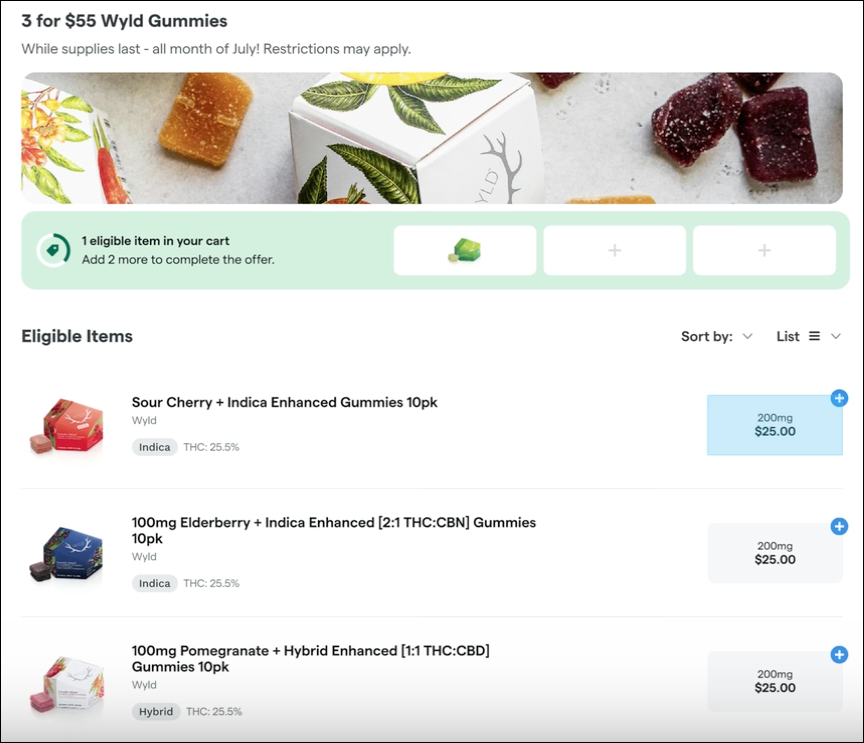
The amount saved on each item is then shown in the cart once the offer conditions are fulfilled.
An Unlock More Offers section at the bottom of the cart drawer advertises additional offers and eligible items.
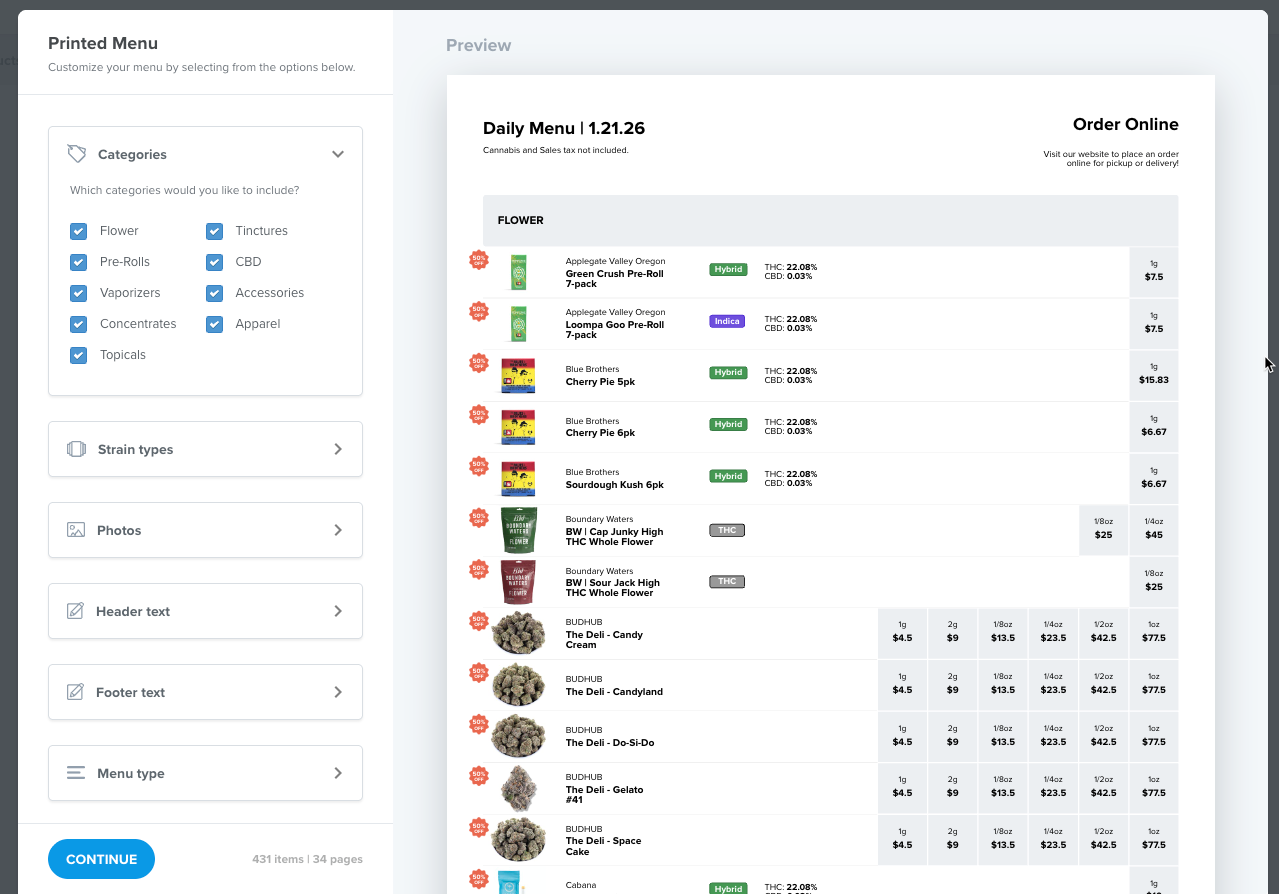
Print your menu organized by custom categories
You can now print your menu organized by custom categories in addition to Dutchie’s default categories.
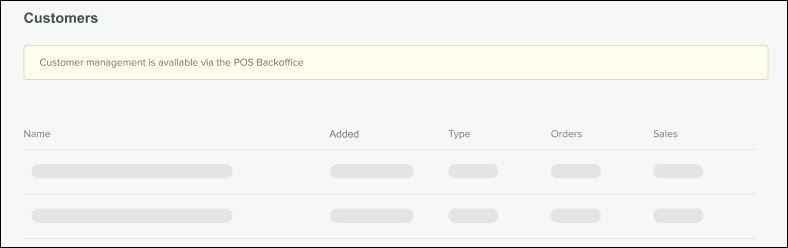
Banner informing users that customers are managed in Dutchie POS
For locations integrated with Dutchie POS, the Customers tab in Dutchie E-Commerce admin will now show a banner informing users that customers are managed in Dutchie POS. Locations not integrated with Dutchie POS will continue to manage customers directly in Dutchie E-Commerce and will see no changes.
Fixes
We’ve deployed a fix for a sporadic “Order Sync Failure - this order couldn't be sent to Dutchie Point of Sale” error that appears on Kiosk orders.
Mobile App
Enhancements
Offer names on product cards
Dutchie Mobile Apps now show specific offer names on product cards instead of a general “Special Offer” badge, mirroring an enhancement we recently launched for web.
Fixes
We’ve deployed fixes for the following issues:
Effects filters still appeared on Mobile App when the Hide effects from menu setting was enabled.
Duplicate items appeared in Mobile App menus.
Ounces showed correct pricing on menus but showed the price of an eighth once added to the Mobile App cart.
The Mobile App showed inaccurate loyalty point balances and last order information for some customers.
Valid promo codes that worked on web triggered a “Sorry, this promo code is invalid” error on Mobile Apps.
Descriptions for Specials did not appear on the Mobile App as on web.
